To send images through Email Site Members, go to one of the many free image hosting services that allow you to copy and paste an image link, such as https://postimages.org/. Following is an example using PostImages.org.
- Upload an image
- Copy the Direct Link
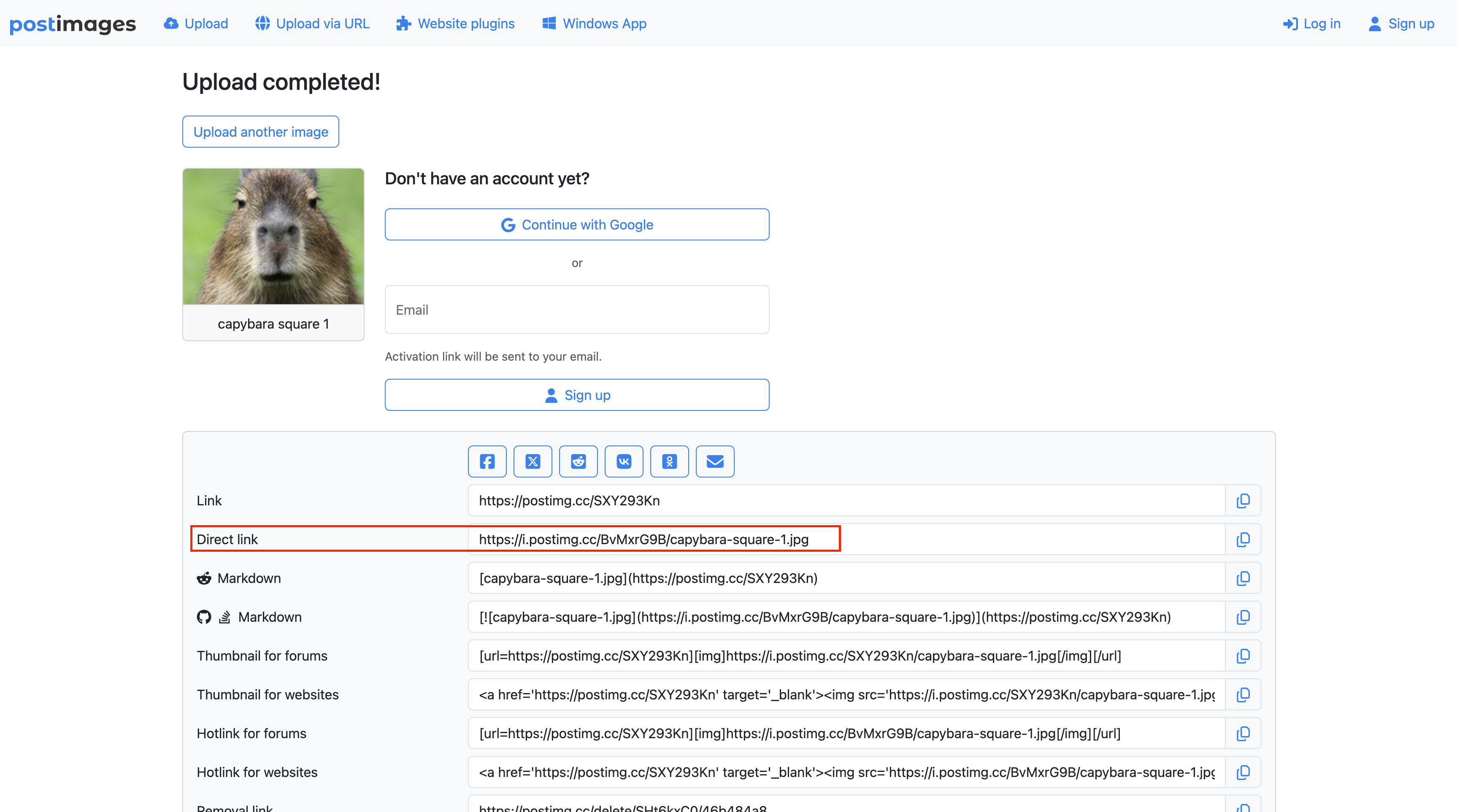
- Go to Email Site Members in Deskworks, click the IMAGES button.
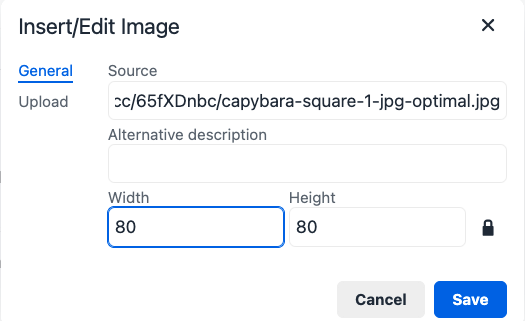
- Under General > Source, paste the Direct Link and set Width and Height in pixels. SAVE.
The resulting email will look like this in the sent email:
Was this article helpful?
That’s Great!
Thank you for your feedback
Sorry! We couldn't be helpful
Thank you for your feedback
Feedback sent
We appreciate your effort and will try to fix the article