The Invoice Log is a handy way to view all of your invoices, or a group of invoices. You can now download the invoice log for any date range as either a PDF or CSV file.
How to...
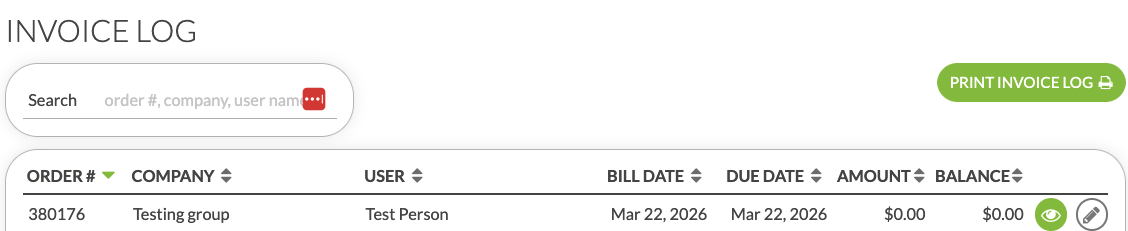
- On your Deskworks sidebar, go to ACCOUNTING > INVOICE LOG.
- Click PRINT INVOICE LOG
- This will open the standard Deskworks Report View.
- Select your date range and the field you wish to Order the report by. (The date "ordered by" will be the Due Date.) (T
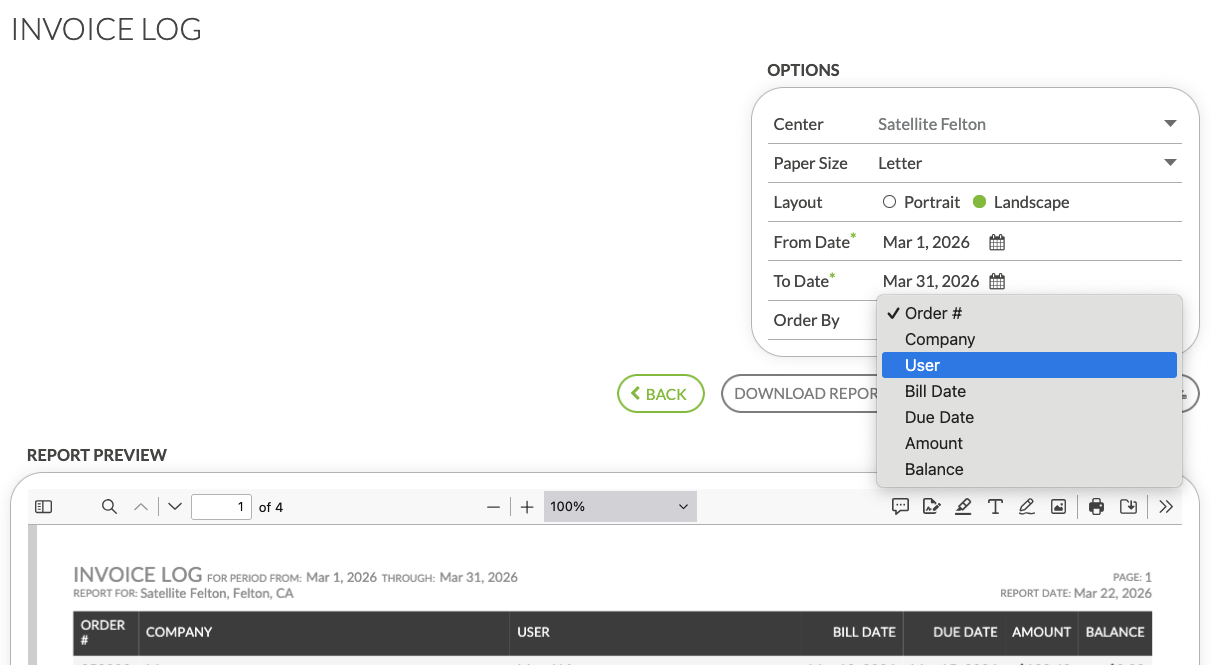
- Download as a PDF or CSV.
Was this article helpful?
That’s Great!
Thank you for your feedback
Sorry! We couldn't be helpful
Thank you for your feedback
Feedback sent
We appreciate your effort and will try to fix the article